
A game key reports a country restriction in the UAE: what to record
If a game code reports a country restriction, stop long enough to record the message accurately. Identify where the error appeared, which product you ordered and which account was receiving it. A useful support request connects those facts without exposing an unused code or account credentials. Repeated attempts with different assumptions can make the situation harder to describe.
The steps below help you prepare that record and distinguish a regional refusal from another redemption problem. They apply to the information you collect. They do not promise a refund, replacement or a particular resolution for an individual order.
Record where the error happened
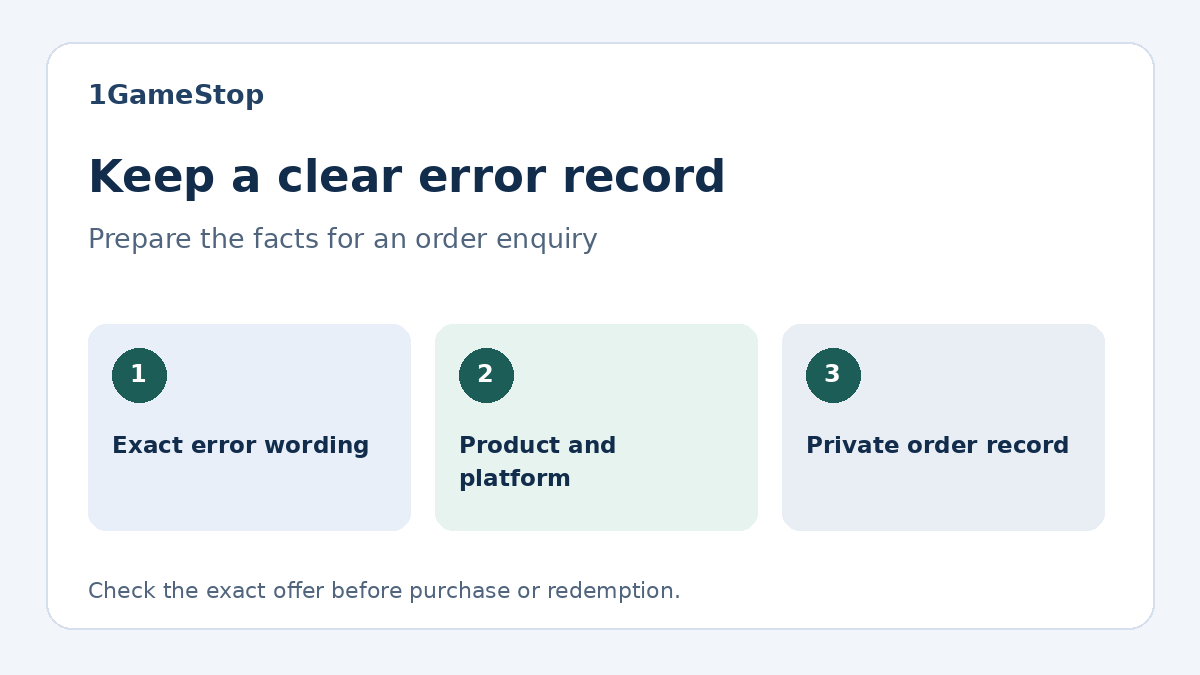
Write down the full error wording and any reference number shown. Note the date, approximate time and platform or application you used. Distinguish the seller’s order system from Steam, Microsoft or another receiving platform. An issue before a code is supplied needs a different explanation from an issue after the platform has examined the code.
A cropped screenshot can preserve the wording, provided you remove the code, account email, payment details and other personal information. Keep the original privately if it may be needed later through a verified support channel. A public review or forum post is not a suitable place for the full code.
Separate country restrictions from invalid or used codes
A message about the territory is different from a message saying the code is invalid or already registered. Valve’s retail CD key guidance distinguishes invalid and duplicate-code cases. Preserve the platform’s wording rather than reducing every failure to “the key does not work.” That detail helps the recipient investigate the relevant issue.
Do not turn one message into another diagnosis yourself. An invalid-code message does not automatically prove a country mismatch, and a country message does not establish that the game was registered to your account. Record what happened and what the platform actually confirmed. Leave an unanswered status as unknown in your notes.
Keep the product type visible
Check whether the order supplies a game license, wallet credit, a subscription or an expansion. Each can arrive as a code, but the content expected after redemption differs. Include that product type in the enquiry, together with the title and edition. A question about wallet currency can otherwise be mistaken for a question about ownership of a game.
The game-key and wallet-code comparison explains that distinction for Steam-related purchases. For Microsoft products, begin with its official code redemption help. Follow the instructions for the product you actually bought, and check the receiving account before any further attempt.
Match the order to the supplied item
Find the order reference and the exact product label in the confirmation. Compare the platform and edition with the offer you selected. Keep any written country confirmation alongside that record. If the order name, supplied item and original offer do not appear to agree, describe the differences explicitly instead of sending a screenshot without context.
For example, an enquiry about the Subnautica Xbox One offer should retain the Xbox One platform label. An enquiry about the Terraria Xbox One offer should identify Terraria separately. The existence of Steam or GOG alternatives for a title does not answer what an Xbox code supplied in an order grants.
Describe the account facts without sharing access
State the country of the receiving account and the device or application involved. For a UAE-related enquiry, say United Arab Emirates rather than leaving the location implicit. Include only the facts relevant to the error. Account passwords, sign-in codes and recovery codes do not belong in an ordinary order message.
If you are helping someone else, ask them to confirm these details themselves. Keep their ownership and account access under their control. Microsoft’s country and region guidance concerns account circumstances such as moving. Changing settings without resolving the supplied code’s conditions does not explain the original restriction.
Use the seller and platform guidance for their respective questions
For a Steam territory refusal involving a third-party key, Valve’s region-restriction information directs the retail-purchase question to the seller. The relevant platform remains the source for understanding its own error wording and account process. Keep those roles clear when deciding what information to request.
The seller can be asked to identify the supplied offer and its country conditions. Platform support can explain an account or redemption message within its own service. A response from either side should be read in relation to the exact issue it answers. General help about signing in does not settle a mismatch in the supplied package.
Prepare a concise, private support note
Use a note such as: “Order reference: [your reference]. Product and edition: [the full name]. Receiving platform: [the service]. Account country: United Arab Emirates. At [time and date], I received [the exact message]. Please check the supplied item and its activation-country conditions.” Replace the bracketed parts with your own details before sending it.
You can use the store order enquiry form for a purchase made here. Review attachments before submitting them so unused code characters and private account details are removed. Keep a copy of your message and any reference the support system gives you. This article does not establish a response time or an order-specific outcome.
Keep the timeline short and accurate
List the purchase date, code receipt, attempted redemption and first error in chronological order. Add any earlier successful registration only if you know it occurred. Distinguish a code you personally entered from a key you have not revealed or used. These details can change what the seller needs to check.
If another device or account was involved, say so in the record without making more test attempts merely to create a longer history. Keep the last confirmed state visible: no redemption confirmed, registration confirmed, or status still unclear. That makes the next response easier to evaluate.
Check that the answer resolves the same issue
Before retrying, compare the reply with the original game, platform, edition and country question. Ask for clarification if an answer discusses a different product or omits the condition that triggered the error. Preserve any agreed next step with the order record. Do not assume that generic advice authorizes a replacement purchase or changes the terms of the original order.
A useful outcome is a clear explanation of the supplied item and a next step that matches the actual error. You can then follow the relevant official process with an accurate record, instead of carrying an unresolved country or account assumption into another attempt.
Questions about recording a country error
Remove the code and private account or payment information before sharing an error publicly. Keep purchase evidence privately and use a verified support channel for any information specifically required.
Record the exact message without substituting another diagnosis. Country restrictions, invalid-code errors and duplicate registration are different issues; ask the seller or relevant platform to clarify the reported case.
