
Co-op game keys in the UAE: region, platform and mode checks
Choose a co-op game by agreeing how everyone will play before anyone orders a key. Sitting at one computer, connecting separate PCs online and streaming a local session are different arrangements. A multiplayer label alone does not establish that the game supports the arrangement your group wants.
UAE buyers also need to check the country terms of each supplied license. Two players choosing the same game title can still order different platforms, editions or packages. Build the plan around the actual devices and accounts, then compare offers that fit that plan.
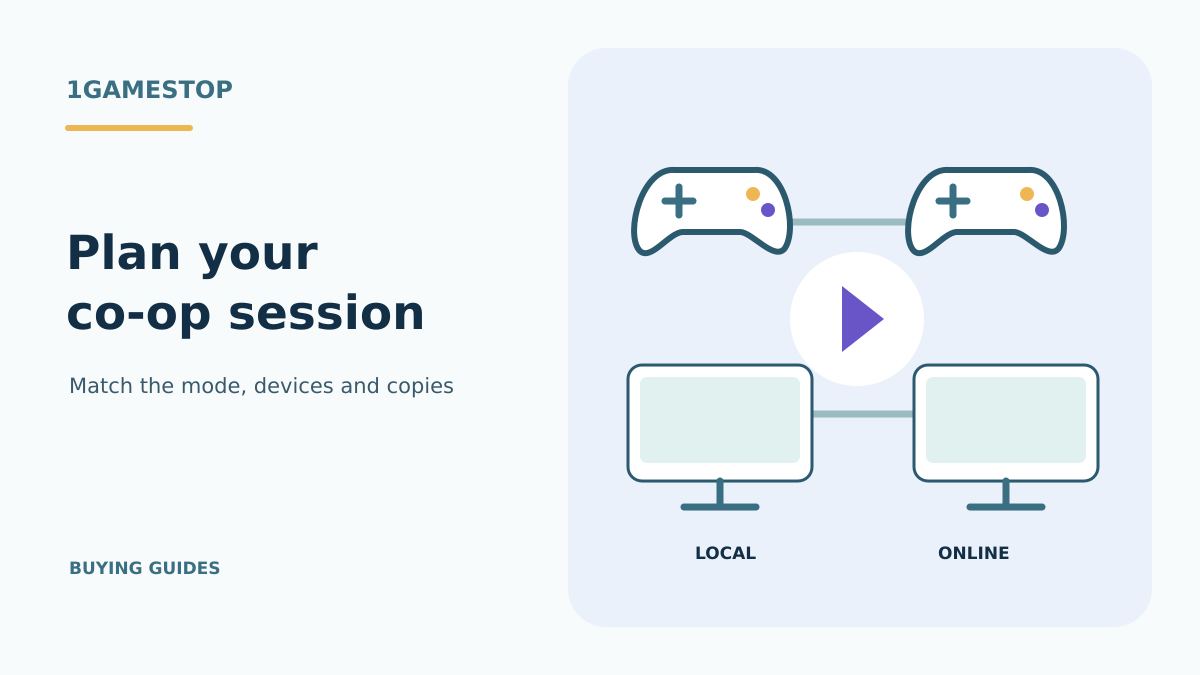
Name the play mode
For local co-op, several people play through a local arrangement supported by the game. That may involve a shared display, split screen or a particular combination of input devices. Check the supported player count and controllers. A second person sitting nearby does not make a single-player game into a co-op game.
For online co-op, players connect through the game’s supported online mode. Confirm the platform combination, current service requirements and whether each participant needs their own license. Do not assume that a PC release can connect to every console release or that the presence of both versions guarantees cross-play.
Steam Remote Play Together offers another arrangement for supported local multiplayer games: the host runs the game and invited players join the streamed session. Valve explains the distinction in its Remote Play overview. This is different from each person downloading and running an independent copy for the game’s native online mode.
Write your intended arrangement in plain terms, such as two people on one PC with controllers, or two Steam accounts on separate computers. It is easier to check a concrete arrangement against official features than to compare the broad words co-op and multiplayer across several advertisements.
Work out copies and connections
A product key normally identifies the package being supplied. Count the licenses your chosen play mode requires before multiplying a single price by the number of friends. A supported Remote Play Together session and native online play can have different ownership requirements. Confirm which route you will actually use.
Valve’s Remote Play help describes the host-and-guest setup. The host’s computer and connection still perform work during a streamed session. Treat the streaming route as something to assess for your equipment, controls and connection, rather than a guarantee that any remote participant will have an identical experience.
For native online sessions, inspect the game’s current requirements and publisher guidance. Look for the account, version and server conditions that apply to that release. If the group uses different operating systems or storefronts, confirm that exact combination. A shared game name is insufficient evidence of compatible builds.
Do not substitute wallet credit for a license when counting what each participant needs. Credit leaves a separate purchase to complete, and an account balance does not itself grant a named game. The game key and wallet credit comparison explains that distinction before you plan a group order.
Read two PC examples
For the Stardew Valley Steam offer, check the official Steam release information against your intended session. Valve’s feature data checked on 27 October 2026 lists online, LAN and shared/split-screen co-op, as well as Remote Play Together. Those feature labels do not confirm the country eligibility of the particular retail key.
The Terraria Steam offer provides a different comparison. Its official Steam feature data checked on that date includes online co-op. Do not transfer Stardew Valley’s shared-screen or streaming labels to Terraria simply because both games offer multiplayer. Read the features of the exact release you are considering.
Use the official Stardew Valley information and Terraria information to review current modes and system requirements. Then check the supplied edition and country terms separately. Official game features and a retailer’s license conditions answer different purchase questions.
For a smaller-group puzzle session, browse the puzzle collection and read the puzzle mode and edition guide. Confirm that the particular puzzle game supports the way your group wants to play before treating the genre as a co-op recommendation.
Match the group before buying
Compare the full edition names, required base games, optional expansions and platform labels for every participant. If the session needs a particular add-on, establish who must own it. Avoid buying a collection for one person and assuming that its extra content is automatically available to everyone else.
Check devices as carefully as editions. A Mac-labeled offer, a Windows release and a console license should be reviewed on their own terms. For a participant moving to another computer, the new PC guide starts with the existing library and then checks the new system. Owning a license does not establish that every device can run it.
Once those facts are aligned, ask for the country terms of each offer for the intended accounts. Keep the product links and any written clarification together. This gives the group a common reference if one order differs from what was planned, without exposing anyone’s login credentials.
Before collecting orders, have each participant confirm their operating system, storefront and intended controller setup. Resolve a mismatch at this stage so the group can choose compatible offers together.
If a product description does not answer the intended co-op arrangement, use purchase help to ask a specific question. Name the devices, storefronts, edition and play mode. A precise question about two separate Steam PCs is more useful than asking only whether a game is multiplayer.
Co-op purchase questions
For a supported Remote Play Together session, the host owns and runs the game while guests join the stream. That arrangement differs from native online co-op. Check support for the exact game and the mode your group plans to use.
No. Confirm cross-play for the exact platforms, editions and current versions. Similar titles and multiplayer labels do not establish that a particular PC and console combination is supported.
Connect a planned group session to the exact offer
For the CastleMiner Z offer, Steam’s official feature information identifies online co-op. Confirm the store offer’s delivery format as part of planning how each participant will obtain the game. The number of people playing and the way a license is delivered are separate checks.
When considering Monster Hunter: World or Borderlands 2, record the platforms and versions used by the group, then check the current requirements for the intended session. Identify any necessary base game or shared content before choosing additional copies. Buying another license does not establish that two different versions will connect.
Complete the comparison with the country conditions for each supplied offer and the accounts receiving the purchases. Keep a clear list of what every participant already owns and what is still needed so the group can choose its actual setup before payment.
Compare console co-op with a solo survival release
For the Terraria Xbox One offer, the official Xbox capabilities include local and online co-op. Name the intended number of players and consoles, then review controllers and current online subscription conditions for that arrangement. These questions are separate from buying the code.
The original Subnautica Xbox offer provides a contrasting case: its Xbox release information lists single-player. Similar exploration and survival themes do not establish the same session setup. Check the named release before treating either a multiplayer category or another platform’s feature labels as the plan for your group.
Light-and-shadow teamwork is the premise described in the Shadow Puppeteer Steam listing. Before your group chooses copies, check the exact supported mode and which devices will be used together. Work out the account and license requirements for that arrangement rather than deciding from the co-op label alone. Confirm the supplied code’s activation countries separately.
For a local group session, the Guacamelee! 2 Steam offer provides a concrete setup example. Compare the exact package, intended computer and controllers, then verify the supplied key’s country conditions separately from the game’s local player capacity.
For a cave-exploration example, compare the Spelunky Steam offer with your intended local group session. Check the release, player mode and input devices, then obtain the supplied code’s country conditions separately from its local player capacity.
