
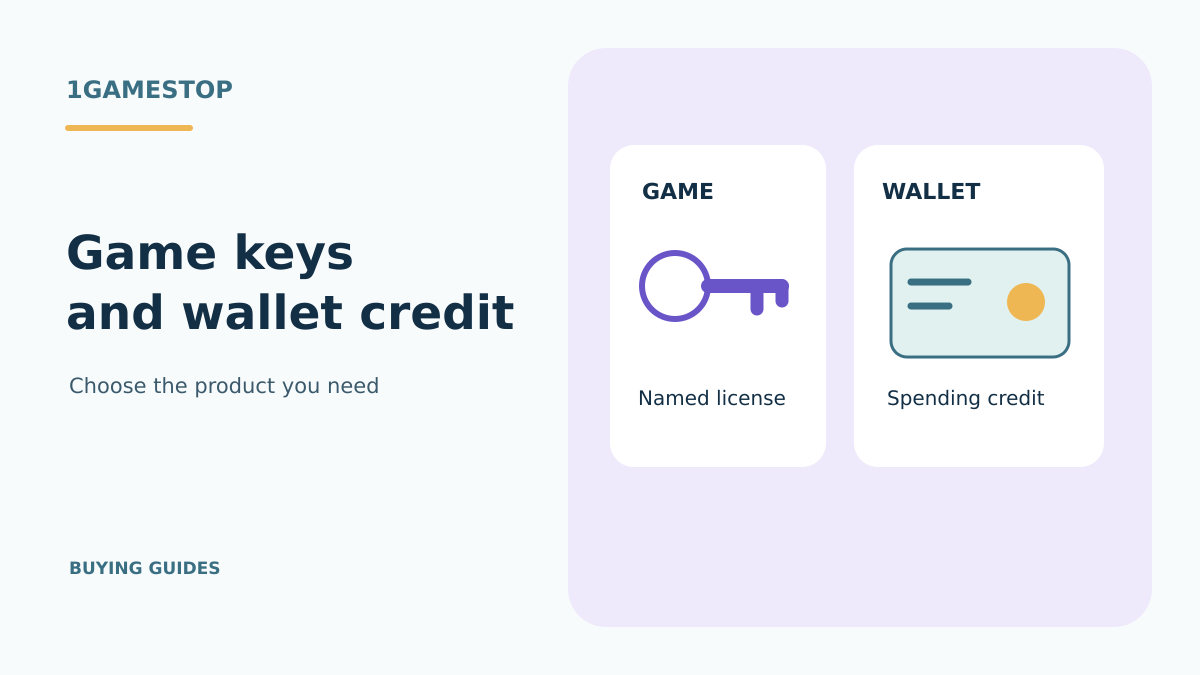
Steam game keys and AED wallet codes are different products
A Steam game key gives you a license for the game or package named in its offer. A Steam Wallet code adds spending credit. An AED price beside a game does not turn its key into an AED wallet code, and a wallet balance does not reserve a particular game. Start by deciding which result you need: a named title in your library, or credit you can spend later.
For a buyer in the UAE, the useful comparison is the complete offer. Read the platform, product type, included content, country terms and any stated currency together. Two similarly priced codes can deliver entirely different things. A title you recognise is only the beginning of that comparison.
Identify the code you are buying
A retail game key is issued for a particular license. Depending on the package, that might be a base game, an edition containing extras, downloadable content or software. The product name and package description should identify what is included. The characters printed in the code do not tell you whether it contains the edition you expected.
A wallet code is a way to add account funds. Its face value, currency and redemption conditions matter because you are buying credit rather than a named game license. Buying enough credit for a game’s advertised price also leaves the separate game purchase to complete. Review the price and availability shown to the intended Steam account when that purchase is made.
Steam also sells digital gift cards through its own gifting service. Those are a separate delivery mechanism from a retailer’s wallet code. Valve explains the recipient and checkout conditions for that service in its digital gift card information. Apply the rules for the actual product you are considering instead of transferring an assumption from one gift format to another.
Separate currency from country eligibility
AED tells you a monetary denomination. It does not identify the games inside a retail key or certify that a particular game package can be registered by an account in the UAE. Likewise, the words Steam and Global do not answer every country question. Keep the amount of credit, the account’s wallet currency and a game key’s country terms as separate checks.
Valve’s Steam Wallet guidance describes wallet funding and code redemption. Its current notice also says physical retail gift cards are being phased out as retail stock runs down. Existing physical cards remain redeemable subject to local laws. That notice does not mean every code advertised by a seller is legitimate, compatible with your wallet or available from that seller.
For a game key, ask for the country terms of the exact package being supplied. For a wallet code, ask for the stated denomination and currency conditions. Keep the response with the offer details so you can compare what was explained with what you receive. A broad regional label is less useful than a clear answer about the intended account.
Compare a named game with spending credit
Consider the Superfrog HD Steam key offer. Its title identifies a particular game and platform. It does not describe a cash balance, and it does not mean that every game in a related series is included. Check the package terms and country eligibility for that offer before choosing it.
The RPG Maker MV Steam offer illustrates another distinction: a Steam license can be for software used to create games. A wallet code does not become an RPG Maker license until a separate, compatible purchase is completed. Name the software, edition and extra assets you need before comparing totals.
If your goal is one specific product, a clearly identified game or software license can be easier to compare than an unspecified credit amount. If you want the recipient to choose later, the value and restrictions of the credit product become central. Neither approach removes the need to establish country compatibility or to read the seller’s terms.
For a broader purchase sequence, use the Steam key buying guide. When the same title is offered for different services, the launcher comparison checklist helps you identify where the license will be registered. Wallet currency cannot substitute for that platform choice.
Resolve missing details before payment
Write down the result you expect in one sentence. For example, you might need one base-game license for your existing Steam account. Alternatively, you might want a stated amount of wallet credit for an intended recipient. This small step makes it easier to spot an offer whose product type or delivery description does not match your purpose.
Then compare the product name, platform, package contents, country conditions and price shown in the current game catalog. A game offer should explain its license. A wallet offer should clearly identify its value and relevant currency terms. If a necessary detail is absent, obtain a written clarification before paying rather than assuming the more favourable interpretation.
If you already redeemed the game on an older computer, check your library first. Moving a license you already hold and purchasing more wallet credit solve different problems. The new PC entitlement guide explains how to begin with the account and game you already own.
Keep the order confirmation and product description together. If an error appears, record the wording and the redemption service you used. Send the order reference through order support when the question concerns a purchased offer. Keep passwords, authentication codes and unrevealed game keys out of public messages.
Questions about game keys and credit
No. A displayed game price describes the cost of the offer. A game key grants its stated license, while a wallet code adds its stated credit. Read the product type and currency terms before choosing.
Valve says game keys and wallet codes cannot change the Steam store country setting. Check the terms for the account you actually use instead of treating a code as a way to change its country.
Use the named game offer to identify the purchase type
The Bot Vice Steam listing identifies one game purchase in this catalogue. Its displayed game price is the amount being compared for that offer, while a wallet denomination describes credit for the receiving account. Start with what you want the recipient to obtain: that named game or an amount to spend under the wallet’s terms.
For the Bot Vice offer, resolve the exact key’s activation-country conditions and supplied entitlement. For a credit product, identify its denomination and account compatibility from that product’s own terms. Keep those details with the offer link when asking a question, particularly when the shop’s currency display differs from the account’s wallet currency.
